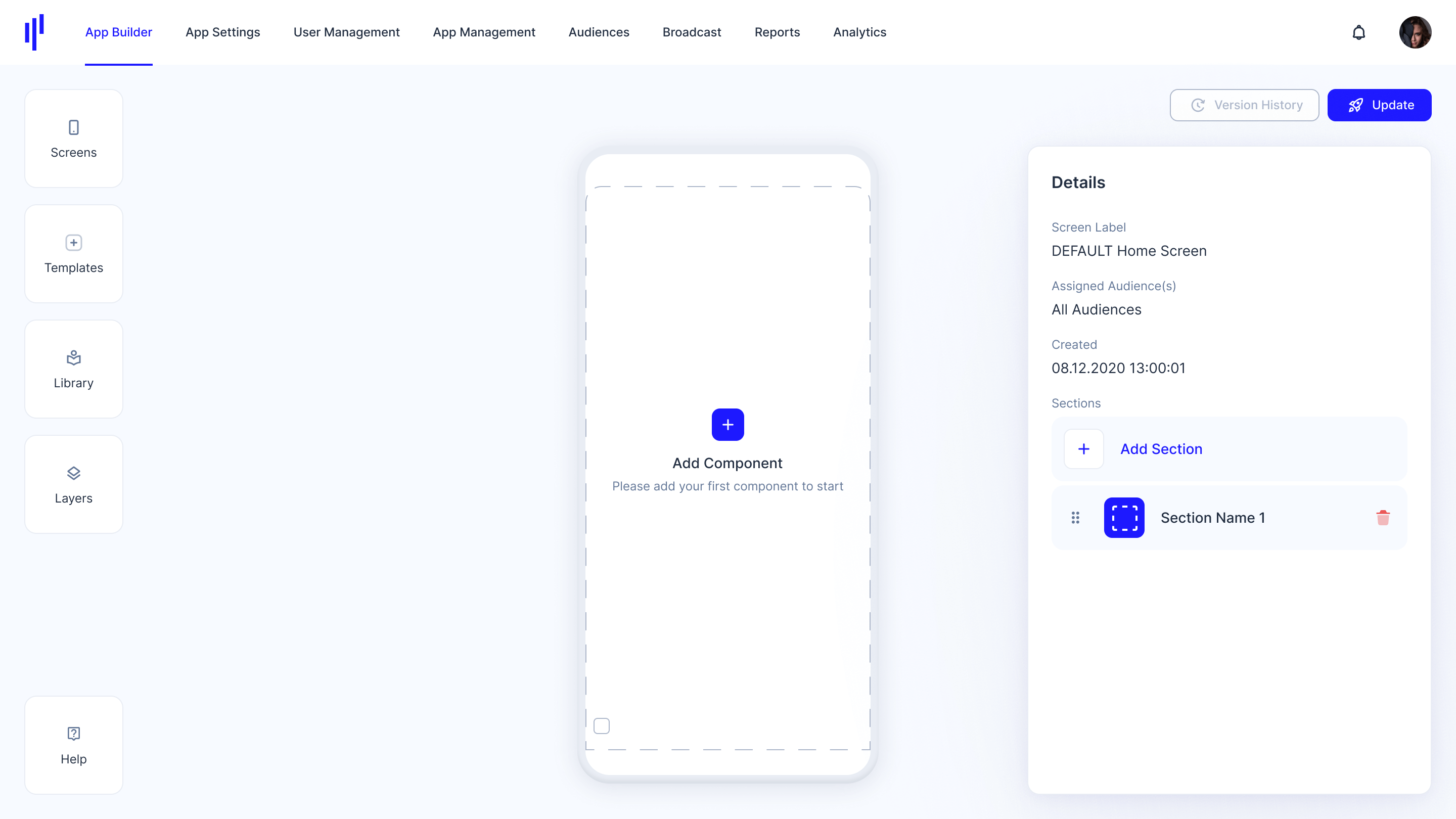
What is KOBIL Portal?
The Management Portal is a powerful tool designed for admin users to manage and monitor their organization's SuperApp. To use the Portal, admin users should sign in using their unique credentials and navigate to the dashboard. From there, they can access a range of features including app builder, user management, broadcast, reports and analytics.
Admin users can customize the app framework by uploading branding assets such as logos and color schemes. They can also add, modify, or delete users, assign user roles, and manage permissions. Additionally, the Portal provides comprehensive analytics and reporting, enabling admins to track app usage, user engagement, and other key metrics. Overall, the Management Portal is an essential tool for admin users to ensure the smooth operation and optimization of their organization's Secure App Framework.
How Do You Create KOBIL Workspace and Register to KOBIL Portal?
Step 1: Visit the KOBIL Cloud Landing Page
-
Navigate to https://cloud.kobil.com.
-
Click the “Register” button at the top of the page.
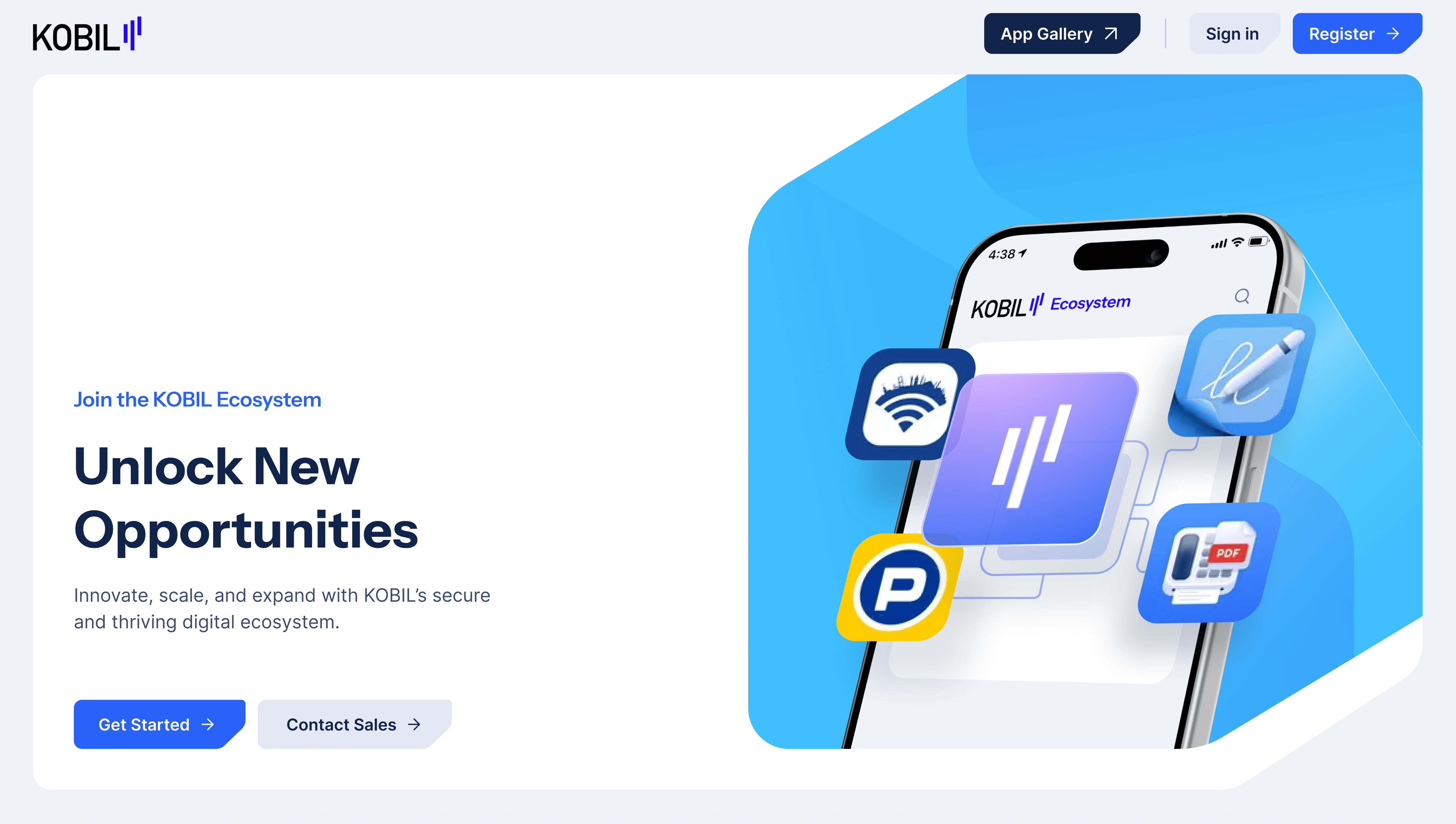
Step 2: Open the Registration Form
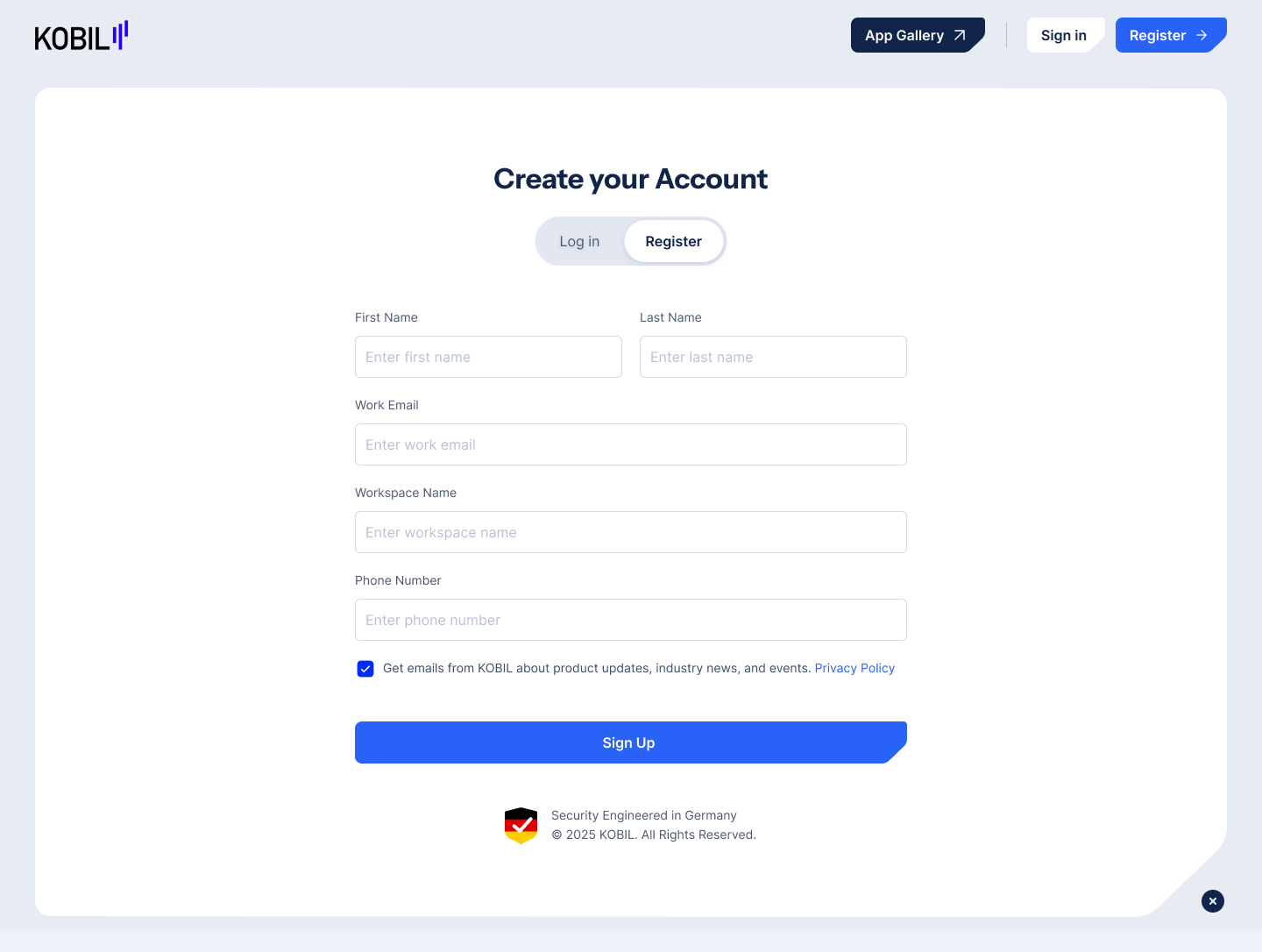
Step 3: Fill in User Details:
- First Name
- Last Name
Workspace Name (e.g. company or organization name)
Once complete, click “Sign Up”By clicking “Sign Up”, you agree to KOBIL’s Privacy Policy and Terms of Service (displayed below the form)
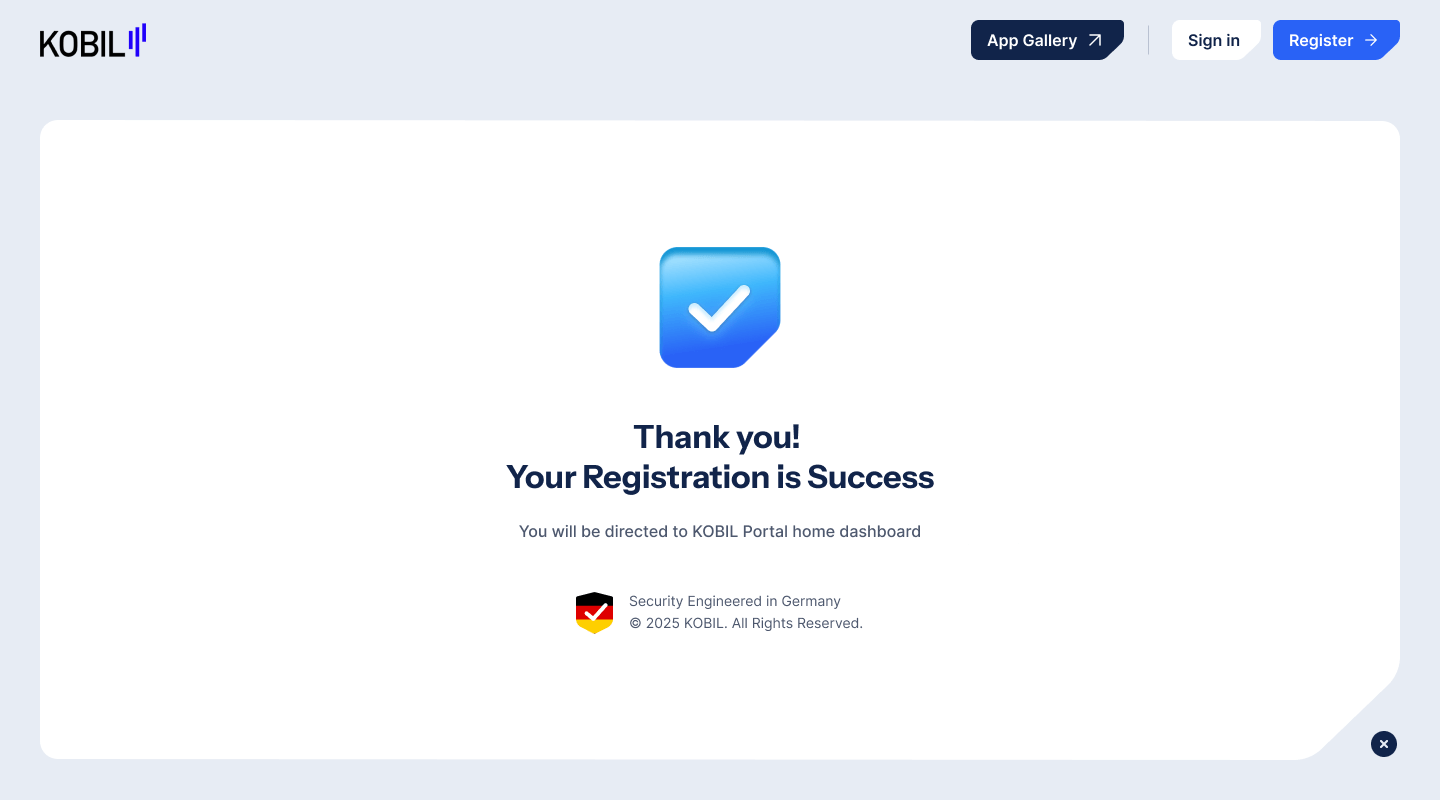
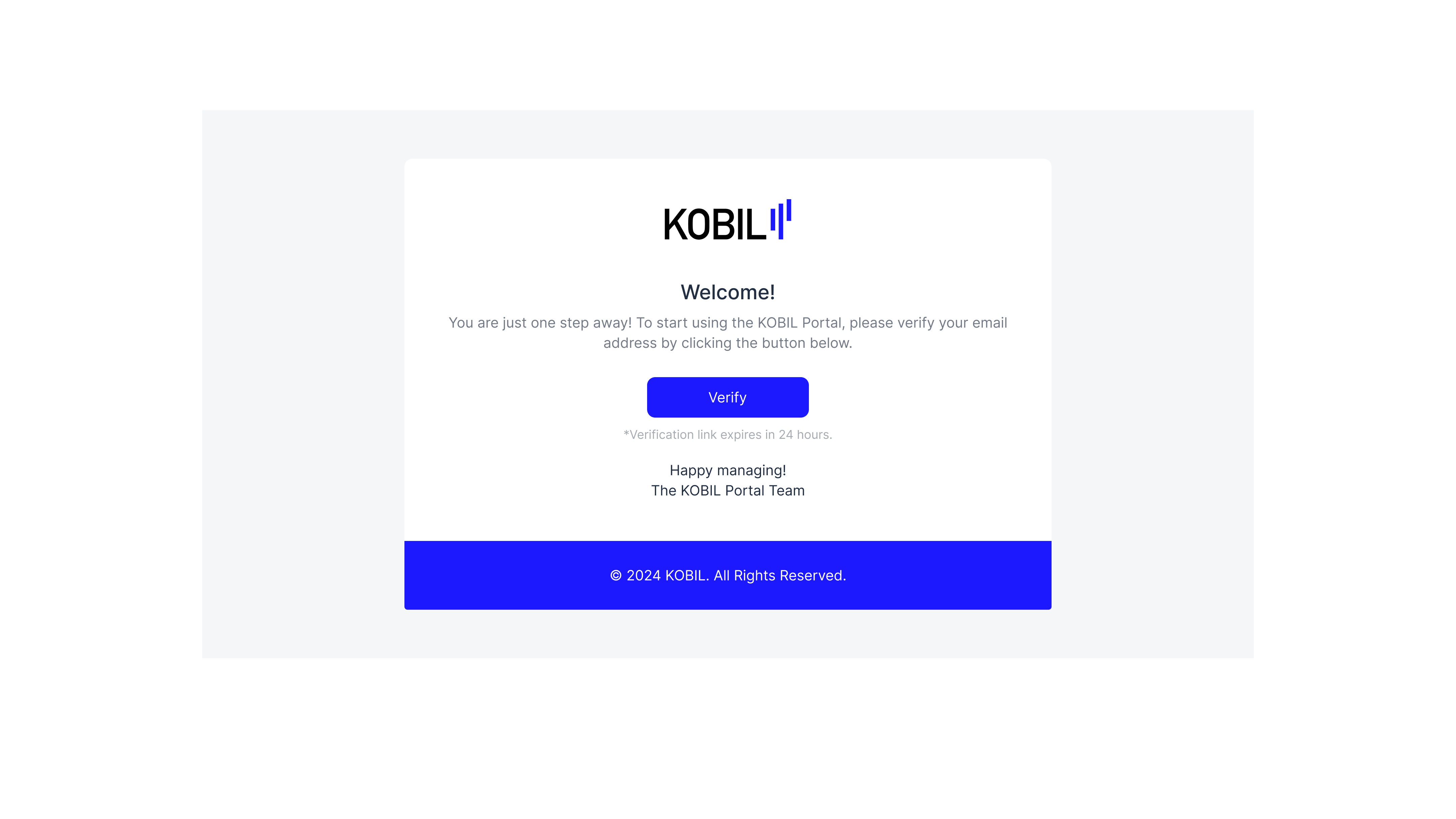
Step 4: Upon submission, the portal sends a verification email
-
Click the unique link within to verify your email address.
-
Confirm setup.
Step 5: Set Up a New Password for Portal Access
-
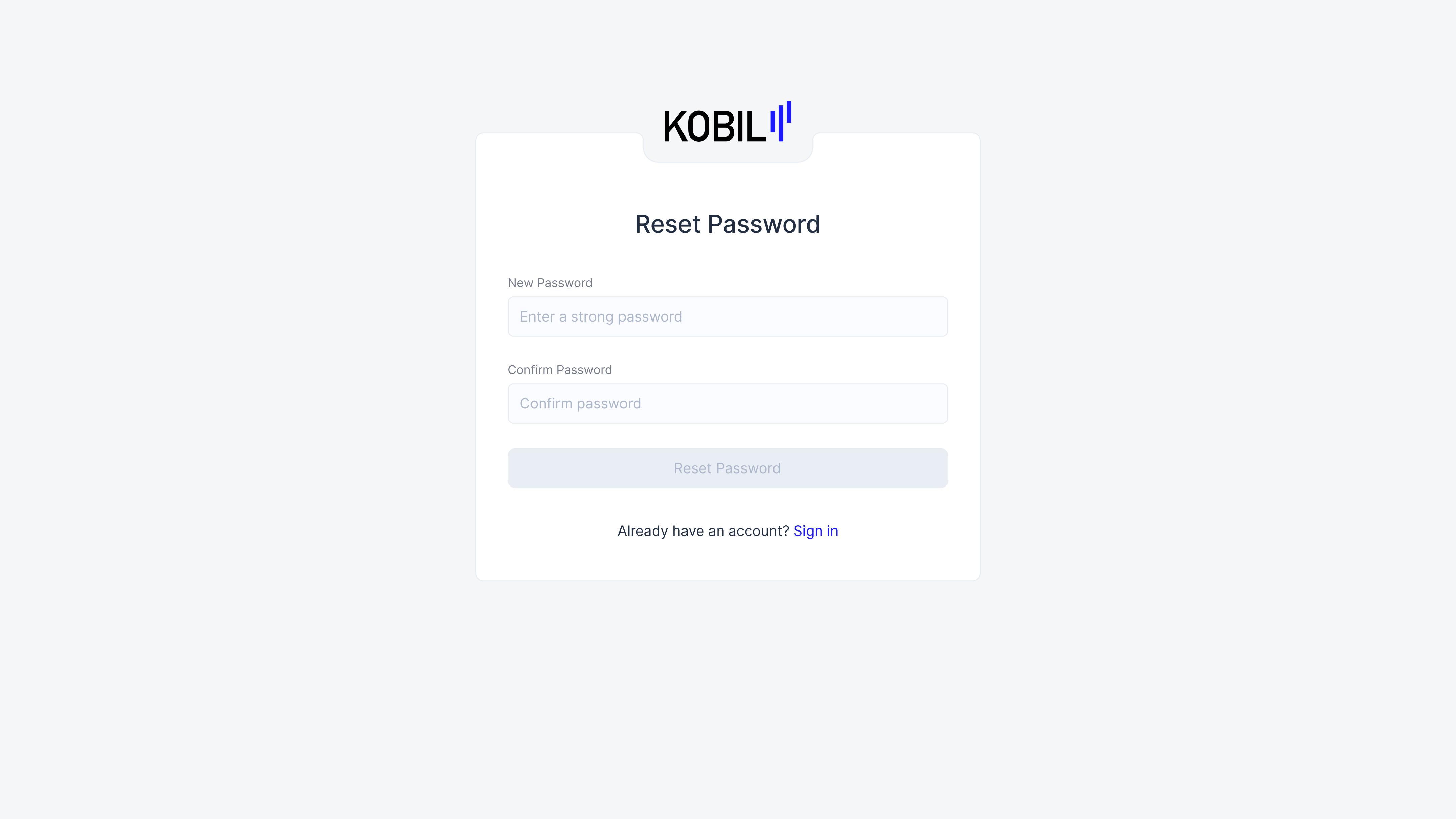
Create a new password for your account.
-
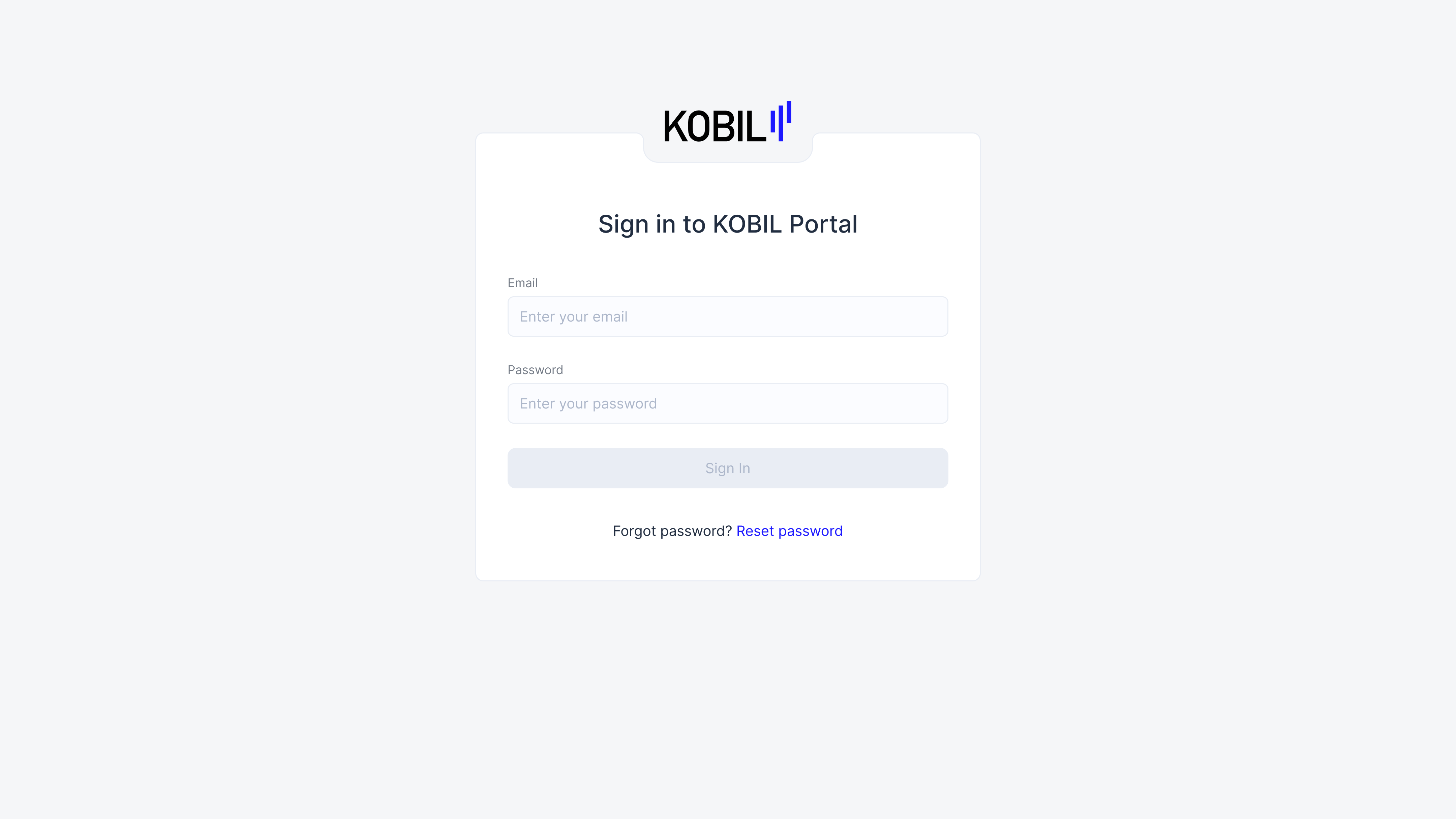
Sign in using your registered email address and the newly created password.
Step 6: Accessing the KOBIL Portal
-
Click the “Sign In” button to access the KOBIL Portal.
-
After signing in, the Default Home Screen will be displayed.
-
The Default Home Screen appears for users who are not assigned to any audience or are anonymous.