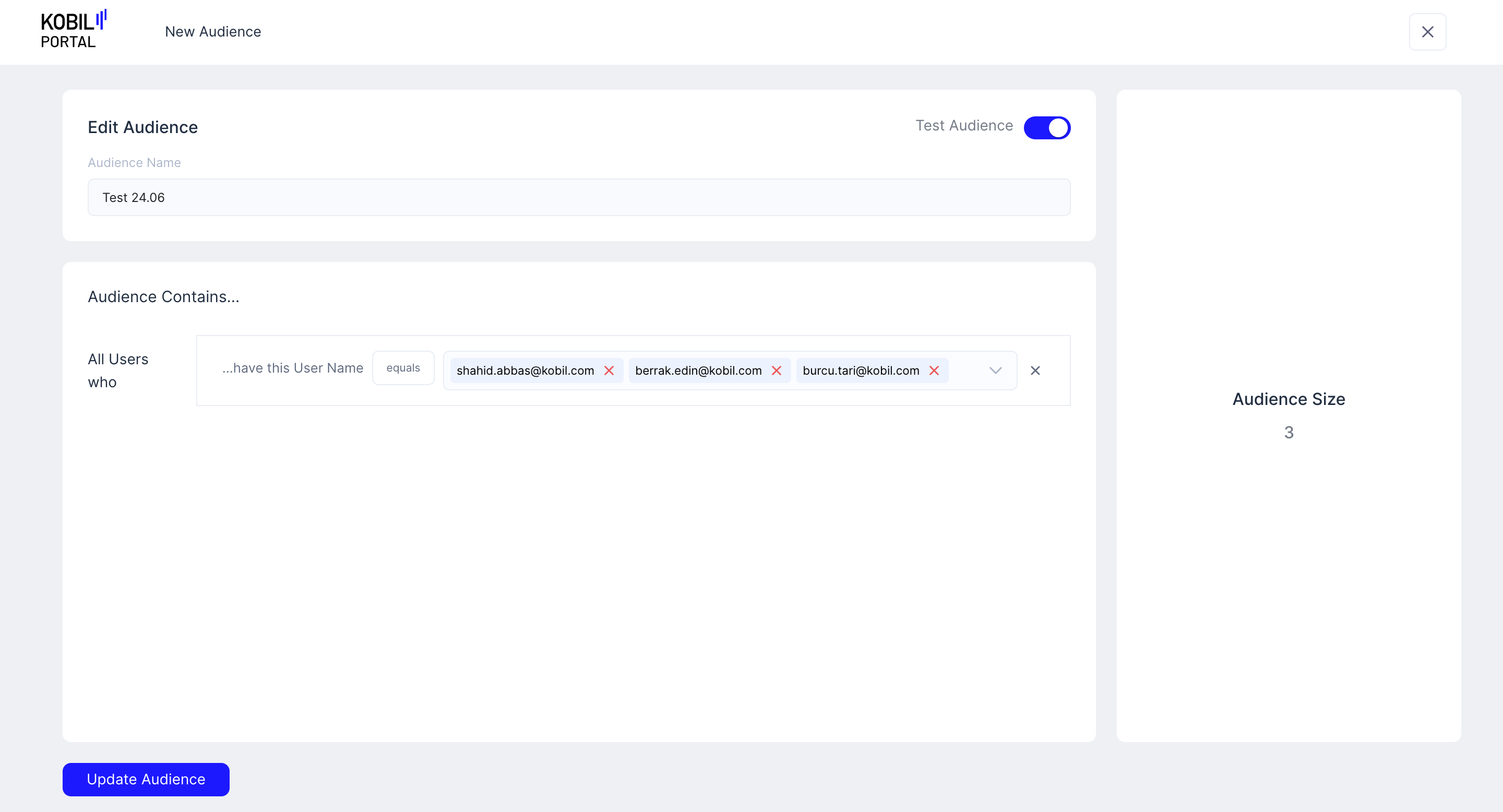
Test Audiences
1. Click on the “Create New Audience” button and navigate to this screen.
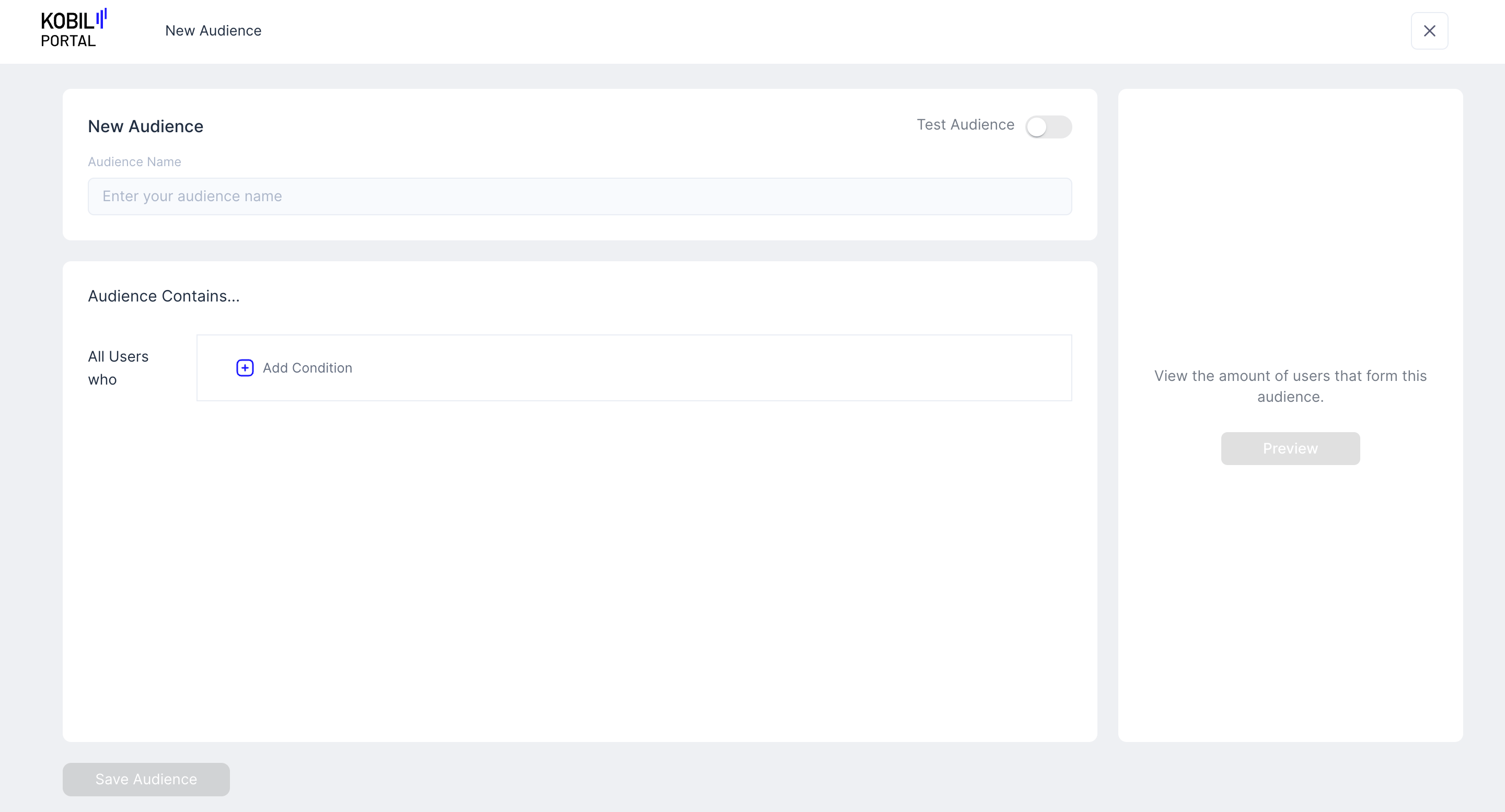
2. Enter the “Audience Name” for your new Audience, enable the “Test Audience” toggle.
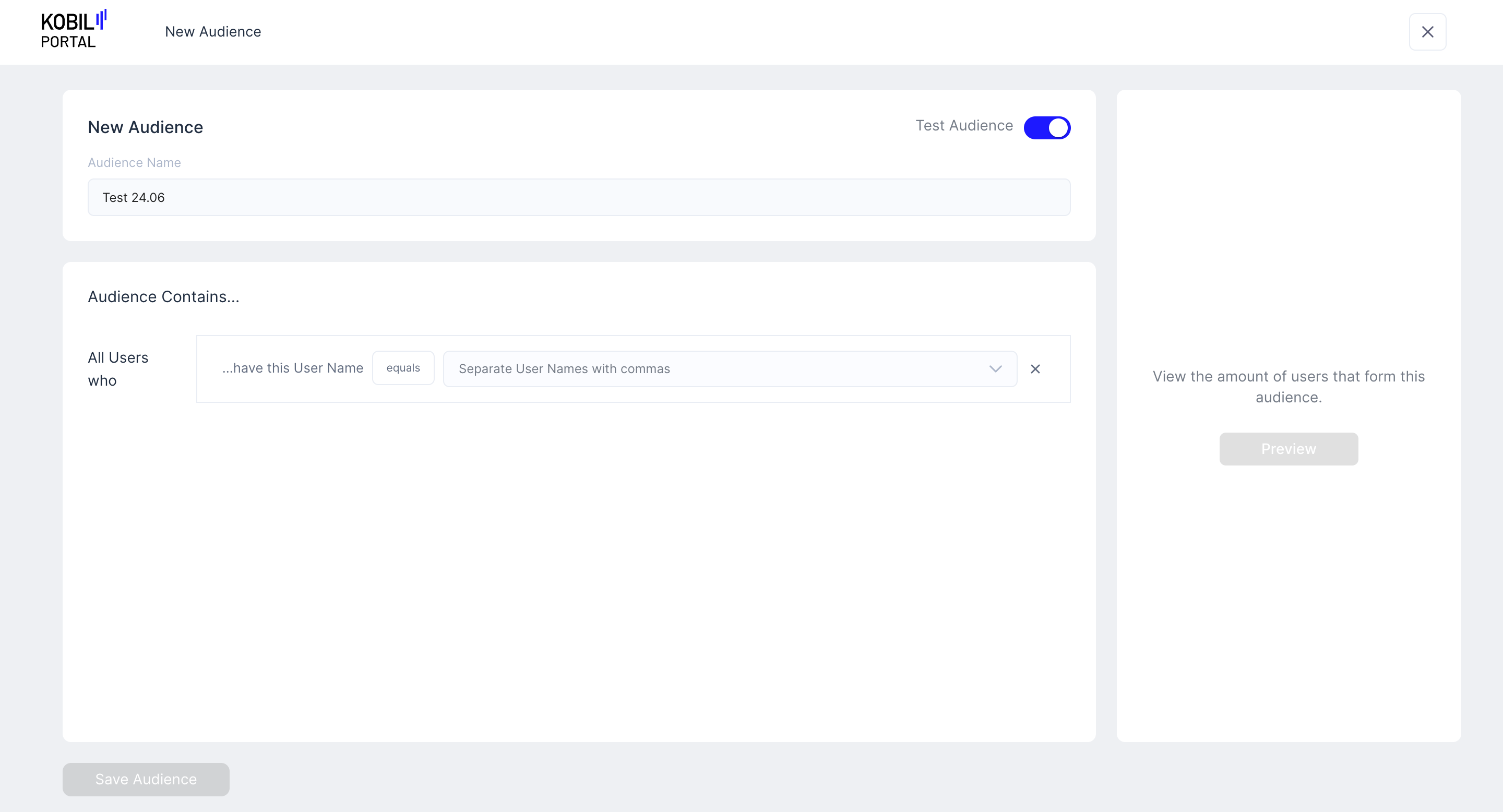
3. Under Audience Contains:
- Search for the users to be added to this “Test Audience”.
- You can enter multiple users in the audience at the same time by search each user one after another.
- Click on “Preview” to confirm the Audience size.
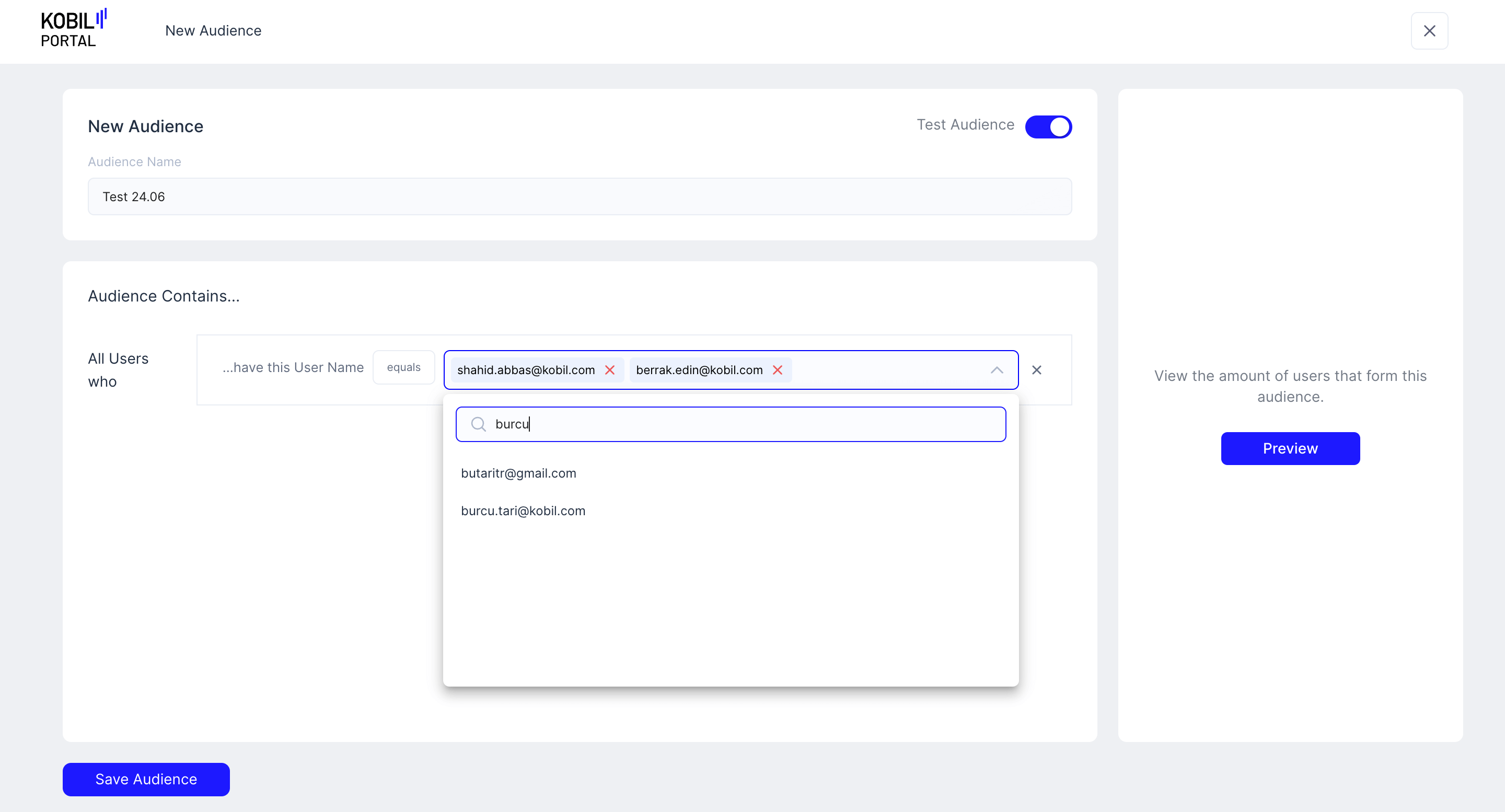
4. Click on 'Save Audience' button
info
The “Test Audience” has now been created and can be used in “Broadcast” and “Homescreen” functionalities